Chalkline
From an idea for school software to a proposal your head teacher can read
Many good ideas for software in schools stall before anyone discusses them, because nobody has time to write them up. Chalkline has that conversation with you, in Dutch, and turns it into a document.
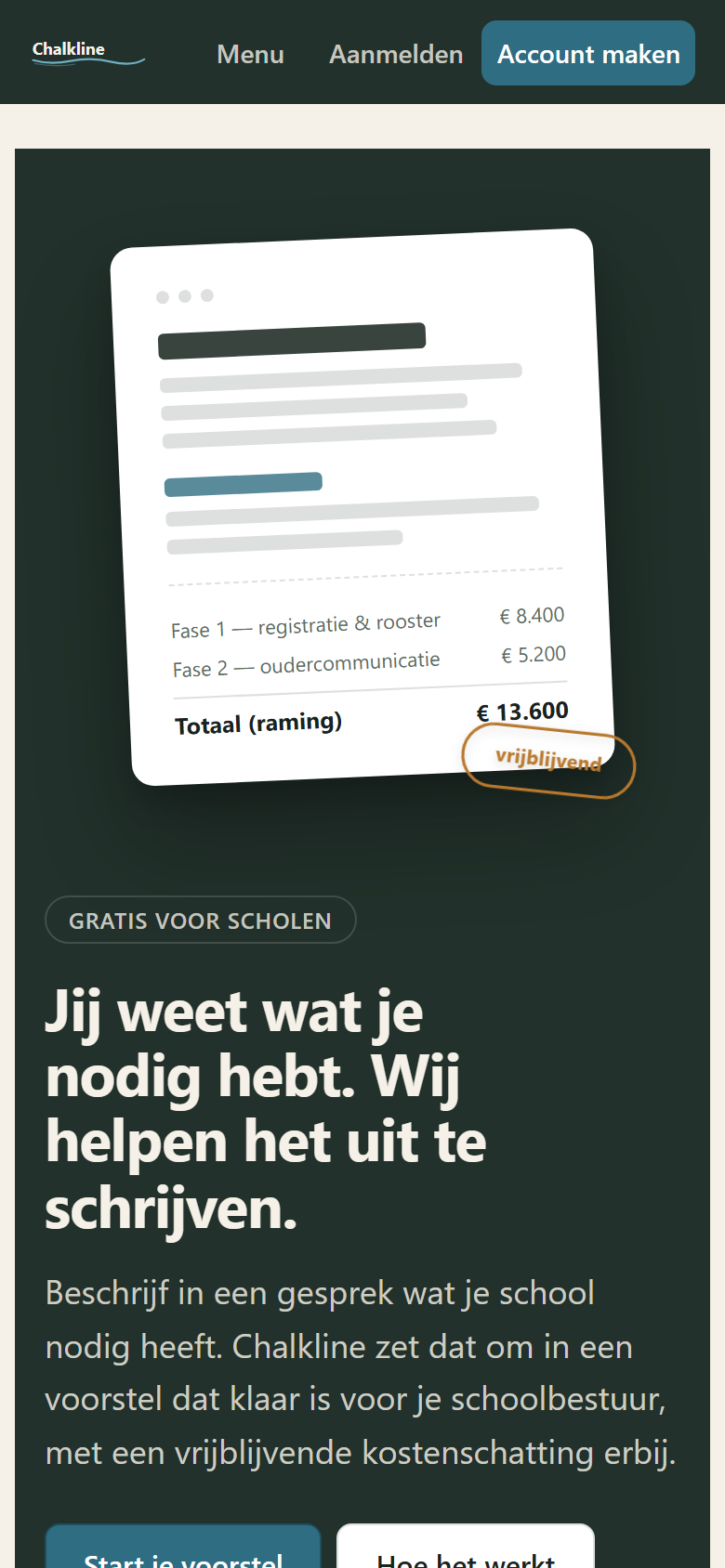
Chalkline on a phone, a real screenshot.
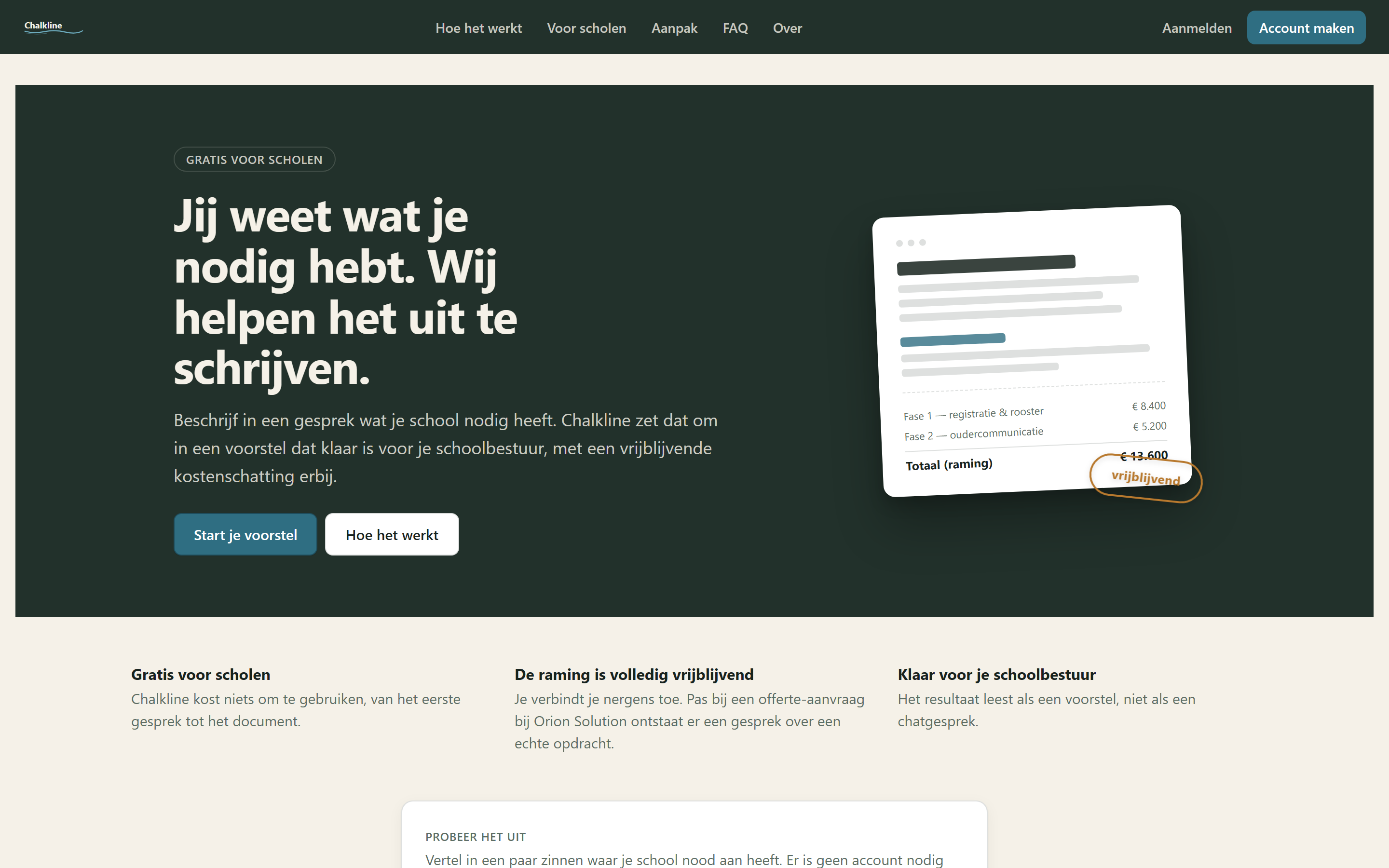
How it works
- 1
You describe in your own words what your school needs.
- 2
Chalkline asks follow-up questions: who will use it, which data, which systems it has to touch, what it may cost, what comes first and what later.
- 3
As you talk, the proposal grows next to the conversation. You can edit it yourself. Chalkline points out contradictions and unclear spots.
- 4
You get a proposal as a document, with a phasing and a non-binding estimate, ready to discuss.
What the proposal contains
- A document your leadership team can read, as a PDF or a Word file.
- A phasing: what comes first, what comes later.
- A non-binding estimate, with the date until which it holds.
- A first phase that aims at no more than 10,000 euro. If your idea does not fit, the document says so.
- What you do not know yet becomes an assumption. Every assumption is marked and you can contradict it with one click.
What Chalkline deliberately does not do
It does not write a quote. The estimate binds no one.
It draws no screens and makes no slides: you get a document.
It does not decide for you. You can change everything in the proposal yourself.
Honest about where it stands
Chalkline has been tested with ten simulated school profiles, not with real schools. The faults that surfaced are fixed. Schools use it for the first time in the Copilot bootcamp: everyone brings their project outline.
Who it is for
Head teachers, ICT coordinators and school groups who want to put an idea forward without hiring an analyst first.
Free
You can try it without an account: you say in a few sentences what your school needs. Registering is free, with your email address and a code. The proposal is yours. If you want it built, you can send it to me.
What went wrong, and how fast it was fixed.
example Real reports appear here from the trial period at the end of October.
Sign-up form shifted 3 pixels sideways on a narrow phone